Before an enquiry becomes a quotation, Fast CRM assesses feasibility and builds a costed estimation structure against a real BOM and Bill of Resources — material plus process cost rolled up into an estimated unit price. Estimate once, from real cost, and the quote is defensible. Nothing is re-keyed when the order goes to the factory.
Every enquiry earns a feasibility and a costed estimate before a price is quoted. New to the pipeline? See how it starts with lead and enquiry capture.
Not every enquiry is worth an estimate. Once an enquiry is received, Fast CRM moves it to Under Feasibility (status 32) so sales and engineering can agree it is doable — the right process, the right tolerances, a realistic delivery — before anyone builds a cost. Feasibility is a real state on the enquiry document, with notes and history, so the decision is visible to the whole team and reportable later. If it is not viable, it is marked Enquiry Regretted (status 36) and kept for conversion analytics rather than quietly dropped. This is the same enquiry captured through lead and enquiry capture.
Under Estimation (status 33), Create Estimation builds a costed structure for the enquired item — a Bill of Materials with child items, quantity-per-parent and rate, plus a Bill of Resources: the machines, labour, tools and operations it takes to make it. Each position carries a make-or-buy flag, so bought-out items and in-house operations are costed separately. Crucially, this is the same BOM/BOR engine the shop floor runs. You estimate against a real structure once — not a rough mark-up — and that structure is ready to carry through if the order is won.
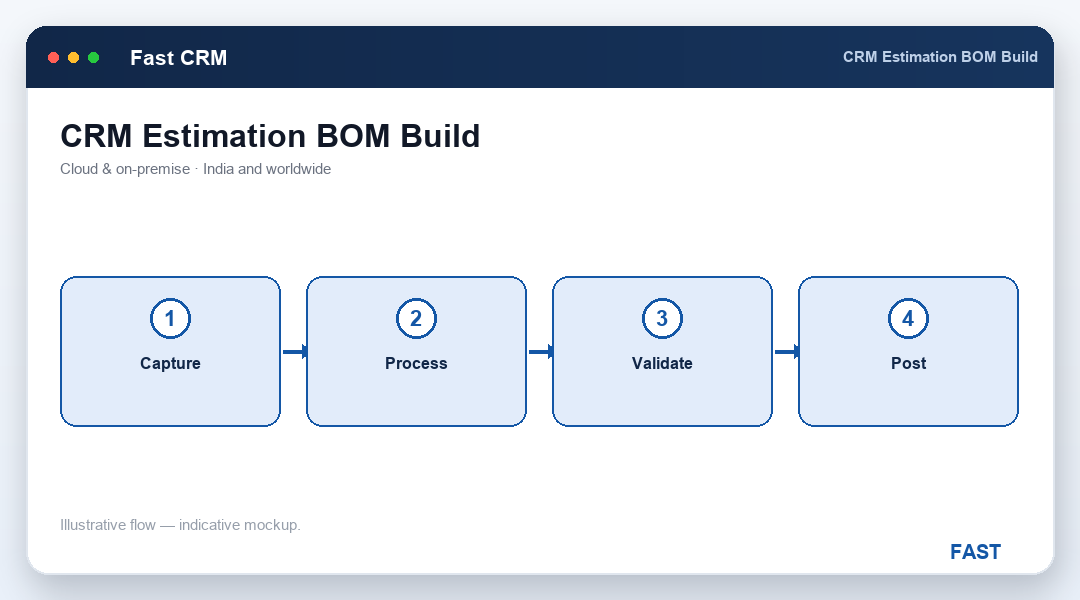
Material cost from the BOM positions plus process and resource cost from the Bill of Resources roll up into an estimated unit cost for the enquired item. That is the number the quote is built on — so when a customer pushes back on price, your salesperson can point to the material rate and the machining time behind it, not a gut feel. Trends and outliers across estimates surface through Dhruv AI analytics, and the same discipline is what a job-shop or engineering firm lives on, where every enquiry must be estimated before it can be quoted.
Before it goes out, the estimate passes through techno-commercial review (pre-quote sub-states 37/38) where margin and commercial terms are set on top of the costed unit price. The approved price then flows into a quotation (status 34). Because the estimate, the enquiry and the eventual order all sit on one document chain, the same item lines and structure carry through to order acceptance and on to the factory — no one re-types the bill of materials, and the number you quoted is the number the plant builds to.
Mark an enquiry Under Feasibility (status 32), record the engineering and commercial call with notes and history, and regret the ones that will not be pursued.
Build a costed BOM for the enquired item — item code, quantity-per-parent, rate and notes — moving the enquiry to Under Estimation (status 33).
Attach the machines, labour, tools and operations the item consumes, so process cost is estimated alongside material — the way it is actually made.
Roll material cost from positions plus resource and process cost into an estimated unit cost — a defensible number the quotation is built on.
Pre-quote sub-states (37/38) let a reviewer set margin and terms on the costed price before it goes out as a quotation.
The estimate structure sits on the same document chain as the quote and order, so a won job hands off to production with nothing re-keyed.
Most quoting pain isn't the maths — it's a price nobody can defend and a bill of materials that gets re-typed on the way to the floor. Here is what changes.
After an enquiry is captured (status 31 — Enquiry Received), sales and engineering assess whether it is doable — that is Under Feasibility (status 32). Once feasible, the enquiry is costed — Under Estimation (status 33) — by building a costed structure for the enquired item. Both are real pre-sales states on the enquiry document, so the whole assessment is tracked and reportable, not kept in someone's spreadsheet. It all starts with lead and enquiry capture.
Fast CRM reuses the BOM/BOR engine through Create Estimation. You build a Bill of Materials for the enquired item — child items, quantity-per-parent and rate — and a Bill of Resources: the machines, labour, tools and operations it takes to make it. Material cost from the positions plus process and resource cost roll up into an estimated unit cost, which becomes the basis for the quotation price.
Yes. Estimation in Fast CRM is the same BOM and Bill of Resources engine that Fast Production runs on the shop floor. You estimate against a real structure once, so when the order is won there is nothing to re-key — the same item lines, quantities and definition carry through to the work order and the invoice on one document chain, through order acceptance.
The estimate goes through techno-commercial review (pre-quote sub-states 37/38) where the commercial margin and terms are finalised on top of the costed unit price. The reviewed price then flows into a quotation (status 34 — Quotation Sent). Because the price is derived from real material and process cost, it is defensible when the customer negotiates — useful for a capital-equipment deal with a long, technical sales cycle.
An enquiry that will not be pursued is marked Enquiry Regretted (status 36) rather than deleted. It stays in the conversion analytics, so you can see how many enquiries were regretted at feasibility or estimation and why — feeding win/loss and enquiry-to-order conversion reporting you can chase through follow-up dashboards and Customer 360.
Live demo on your own enquiries — your items, your BOM and resources, your estimation and review process. No generic slideshow.
