
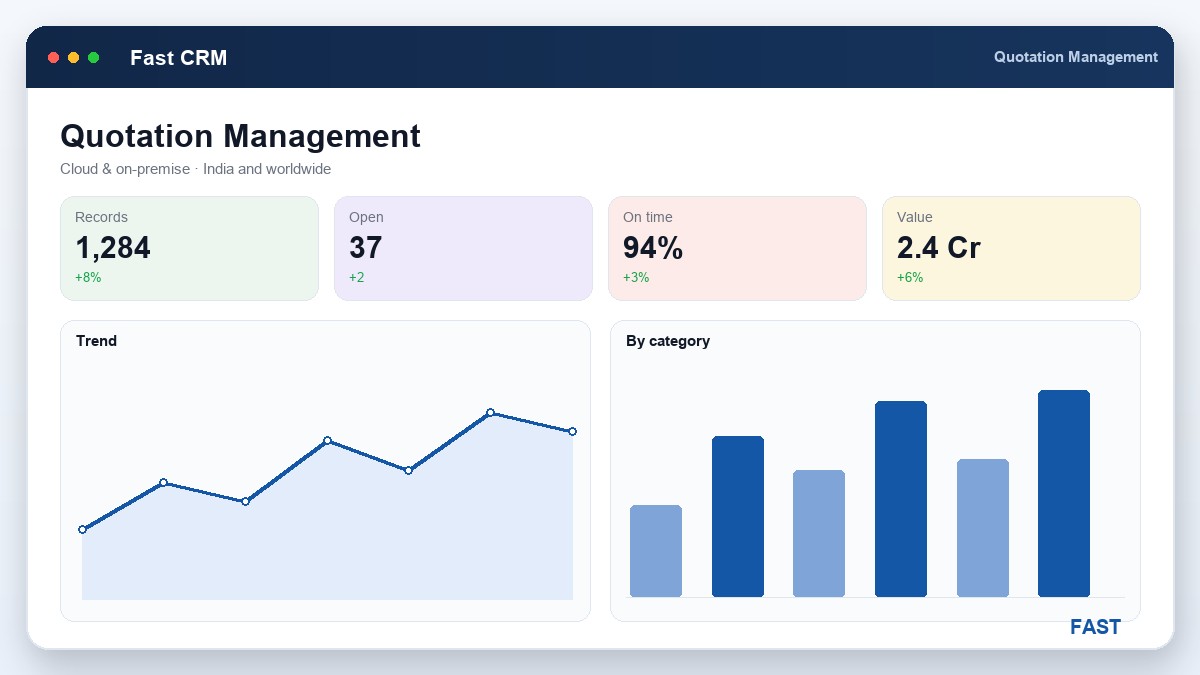
A customer once accepted a quotation and placed the order — against revision two. The factory built to revision three, which had a higher specification and a longer delivery. Nobody could say which version was "the" quote, because every revision had overwritten the last in the same file. The argument that followed cost more than the margin on the job. That is what unmanaged quotations cost: not a lost sale, but a won one that turns into a dispute. Quotation management is the discipline that makes sure the quote you sent, the quote the customer accepted, and the order you build are provably the same thing.
This guide is for anyone who owns quoting in a make-to-order business — an estimator, a sales engineer, a proprietor. It walks the whole life of a quotation: from the costed estimate it must be built on, through terms, revisions, approval and comparison, to the moment it becomes an order. Throughout, the worked example is Fast CRM Software, the sales front end of the Fast Suite, used by manufacturers of every kind, cloud or on-premise, across India and worldwide. For the wider pipeline this sits in, see what is manufacturing CRM software.
1. What quotation management actually is
Quotation management is the discipline of building a priced offer on a real costed estimate and then controlling that offer through its whole life — configuring its terms, revising it with a full history, approving it before it leaves the building, comparing versions or competing options, and keeping it linked to the enquiry it came from and the order it becomes.
The word that separates it from "sending a quote" is controlling. In a document-driven CRM the quotation is a real object — code QT — with item lines, quantities, rates, terms and a status. It is not a Word file in a folder named after the customer. Because it is a document, it can carry a version, pass an approval, and reference other documents:
- Built on a costed estimate — the price comes from a Bill of Materials and Bill of Resources, not a round number from memory
- Carries real terms — delivery, payment, validity, taxes and packing, from a configurable template rather than each salesperson's habit
- Versioned on revision — every negotiated change is a new version that preserves the previous one
- Approved before sending — a release gate catches out-of-policy pricing before the customer sees it
- Linked both ways — it references the enquiry it answers, and on win it becomes the order the factory builds
Those five properties are the spine of this guide. The feature page for quotation management shows each one in the product; here we explain why each matters.
The moment a quotation stops being a file you email and starts being a numbered, versioned, approved document that references its enquiry and its order, most quoting disputes simply stop happening — because there is one authoritative record of what was offered and agreed.
2. Build the estimation against a BOM and Bill of Resources
Everything downstream rests on the estimate. A quotation built on a guess is a liability the moment the order lands: either the margin is thinner than you thought, or you priced yourself out of a job you could have won. The fix is to cost the enquired item against a real structure before a price exists.
Two structures do the work, and it is worth being precise about the difference:
| Structure | What it lists | What it contributes to the price |
|---|---|---|
| Bill of Materials (BOM) | What the item is made of — child materials, quantity-per, scrap allowance | The material cost |
| Bill of Resources (BOR) | What it takes to make it — machines, labour, tooling, operations | The conversion / processing cost |
| Together | A costed structure for the enquired item | A defensible base cost to price and margin from |
An enquiry is first assessed for feasibility, then costed against this structure. The result is not just a number — it is a number with a basis. When a customer pushes back on price, you can see exactly what is driving it, and decide whether to trim scope, change material, or hold firm. And because the structure is saved, the next similar enquiry starts from it rather than a blank sheet, so estimating gets faster without getting sloppier. This whole step is feasibility & estimation.
3. Techno-commercial review — the gate before the price goes out
Between a costed estimate and a sent quotation there should be one deliberate pause: the techno-commercial review. It asks two questions that are easy to skip under deadline and expensive to get wrong.
- Technical. Is the design actually feasible as scoped, and is the costing complete — has anything been missed that will surface as a cost later?
- Commercial. Is the margin acceptable at this price? Are delivery, payment terms, validity and taxes right for this customer and this job?
The value of the gate is that it operates before the customer sees the number. An out-of-policy discount or a thin margin caught here is a quiet internal correction; the same problem caught after the quote is sent is a negotiation you have already lost ground in. In the pipeline this shows up as pre-quote review sub-states — the estimate is reviewed and cleared before a quotation can be raised against it.
Every commercial mistake is cheaper to fix on your side of the quotation. The review gate exists so the price that reaches the customer is one you have already decided you can live with.
4. Configurable terms — complete and consistent, every time
Two quotes for the same item should not differ in their terms just because two different people wrote them. Yet that is what happens when terms are typed fresh each time: one quote omits the validity, another forgets packing, a third states payment terms the finance team would never accept. Configurable quotation parameters solve this by making the terms a template rather than an act of memory.
- Standard terms, filled in. Payment, delivery, validity, taxes, freight and packing come from configured parameters, so nothing is accidentally left off.
- Customer- or deal-specific overrides. Where a customer has agreed rates or special terms, those apply — deliberately, and on the record — rather than by improvisation.
- Clean, printable output. The quote prints or emails as a professional document, complete and consistent, the same day the customer expects it.
Consistency here is not bureaucracy — it is trust. A customer comparing your quotes over a year sees the same complete, professional document each time, which quietly signals a supplier who has their process together.
5. Revisions with version history — never overwrite an offer
Negotiation is normal. The customer wants a different quantity, a faster delivery, a lower price, a changed specification. Each of those is a legitimate reason to change the quote — and each must produce a revision, a new version that preserves the one before it, not an overwrite of the same file.
The reason is the dispute we opened with. If revision three silently replaces revision two, you lose the ability to answer the only question that matters when things go wrong: which version did the customer actually accept? Versioning keeps every offer you made, in order, so the answer is never in doubt.
| # | Event | What the CRM records |
|---|---|---|
1 | Quote raised | Revision 1 (QT) is created against the enquiry, approved and sent — status Quotation Sent. |
2 | Customer negotiates | A changed quantity or term is requested. Rather than edit the sent quote, a revision is raised. |
3 | Revision issued | Revision 2 carries the new amount and terms; revision 1 is preserved, so both offers are on record. |
4 | Compare | Revisions are compared side by side — what changed, and by how much — before the next conversation. |
5 | Acceptance | The customer accepts a specific revision; that exact version becomes the basis for the order. |
Revision control is what turns "we think this was the final quote" into "this is the version the customer accepted, on this date, with these terms." It is handled as an amendment that versions the quotation while retaining its history.
6. Approval gates — release before it reaches the customer
An approval gate on the quotation is the commercial equivalent of a final inspection. Before a quote — or a revision — is released to the customer, it passes a release step where pricing and terms are checked against policy. This does two things:
- It protects margin. A discount beyond a salesperson's authority is caught and decided by the right person, not discovered later in the numbers.
- It creates accountability. Every released quote has an approver on record, so who agreed to what is never a mystery.
The gate should be light enough not to slow a straightforward quote and firm enough to catch the exceptions that matter. In the pipeline, releasing the quotation is an explicit step — a quote is not "out" until it has been approved and sent, and the same discipline applies to a released order.
7. Comparison, and linking the quote to its enquiry and order
Two kinds of comparison earn their keep. The first is revision comparison — seeing what changed between versions of your own quote, so a negotiation is informed rather than remembered. The second is option comparison — where a single enquiry is quoted several ways (different materials, quantities or scopes) and the customer, or your own sales manager, weighs them side by side. A quotation comparison view makes both quick.
But the most valuable link is not between quotes — it is between documents. In a document-driven CRM the quotation references the enquiry it was raised against, and on win it converts to an order that references the quotation. That single linked chain is what makes everything upstream pay off:
- Nothing is re-keyed. The items, quantities and rates on the accepted quotation flow straight into the order — no re-typing, no transcription error at the worst possible moment.
- The sale is reconstructable. From the order you can walk back to the exact quotation revision, and from there to the original enquiry and its source.
- The handoff is clean. The order that production plans and billing invoices is provably the one the customer accepted. See order acceptance.
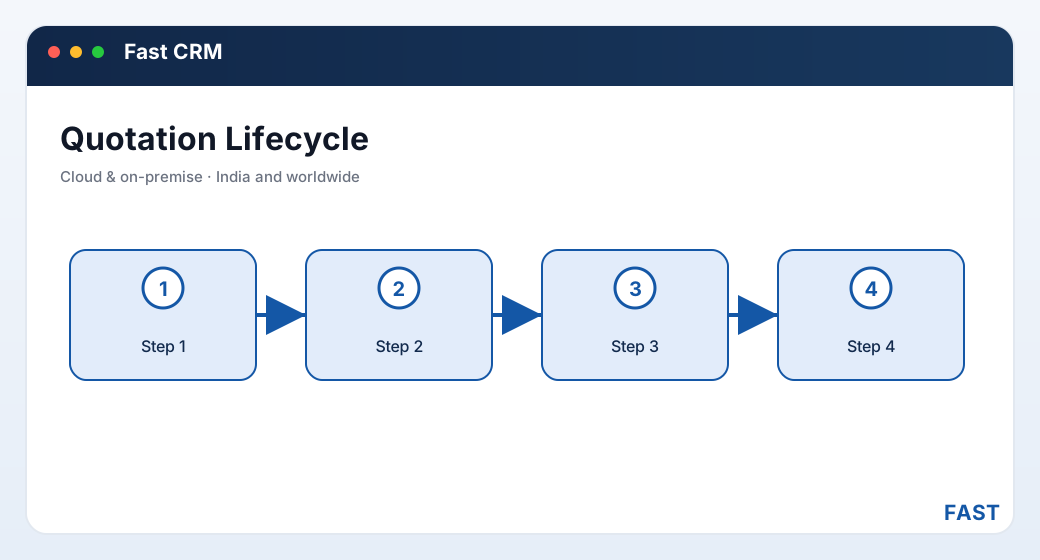
The quotation is the hinge of the pipeline: it references the enquiry behind it and becomes the order ahead of it, so the whole sale is one traceable chain rather than a series of re-typed documents.
8. How Fast CRM Software implements quotation management
Fast CRM Software, built in Pune by Improsys under the Fast Technology brand, runs each part of quotation management as a real workflow — cloud or on-premise, for manufacturers of every kind across India and worldwide:
| Part of the job | How Fast CRM Software does it |
|---|---|
| Costed estimate | The enquiry is assessed for feasibility and costed against a BOM and Bill of Resources, so every quote starts from a real, reusable base cost. See feasibility & estimation. |
| Techno-commercial review | Pre-quote review sub-states clear the estimate technically and commercially before a quotation can be raised against it. |
| Configurable terms | Quotation parameters carry standard commercial terms and per-customer agreed rates, so every quote prints complete and consistent. |
| Revisions | A quotation is revised as a new version that preserves history, so you always know which offer the customer holds. See quotation management. |
| Approval gate | A release step approves the quote — and later the order — before it goes out, with the approver on record. |
| Comparison & linking | A quotation comparison view weighs revisions or options; the quote references its enquiry (EQ) and converts to an order (OA) with nothing re-keyed. See order acceptance. |
Quote on real cost. Revise with a clear head. Win without a dispute.
Fast CRM builds the quotation on a real BOM/BOR estimate, gates it through techno-commercial review, prints it on configured terms, versions every revision, approves it before it goes out, and converts the accepted version straight into an order — all on one platform, one customer record, and one linked document chain from enquiry to order.
9. Frequently asked questions
See a quotation go from estimate to order
A 30-minute demo on your own item — costed estimate, configured terms, a revision, an approval, and the conversion into an order. No generic slideshow.